



Executive Summary
Running out of stock costs you sales. Overstocking ties up cash. Getting inventory wrong in either direction hurts small businesses more than large ones, because the margins for error are thinner. This guide compares the leading inventory management software options for small businesses and SMEs in Singapore, covering what each system does, who it suits, and what it costs — so you can make an informed decision without wading through 866 listings on a software directory.
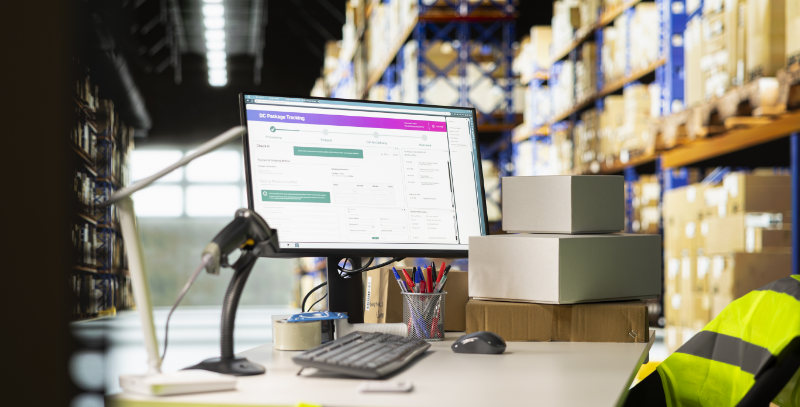
What Is Inventory Management Software — and Why It Matters for Singapore SMEs
Inventory management software is a digital system that tracks, organises, and controls your stock in real time. At its core, it answers three questions every product-based business needs to answer: What do I have in stock? Where is it? When do I need to reorder?
For Singapore SMEs, the stakes are practical and immediate. Overstocking ties up working capital and warehouse space. Understocking leads to lost sales and frustrated customers. According to barcode.com.sg, most SMEs operating on manual tracking face accuracy problems that dedicated software directly solves — automated updates replace the human errors that spreadsheets almost inevitably introduce as stock volumes grow.
Businesses that benefit most from making the switch include retailers managing multiple SKUs and variants, e-commerce sellers across multiple channels, wholesalers handling bulk orders, and any business operating across more than one location. If your business sells products anywhere beyond a single counter, inventory management software moves from a convenience to a core operational tool.
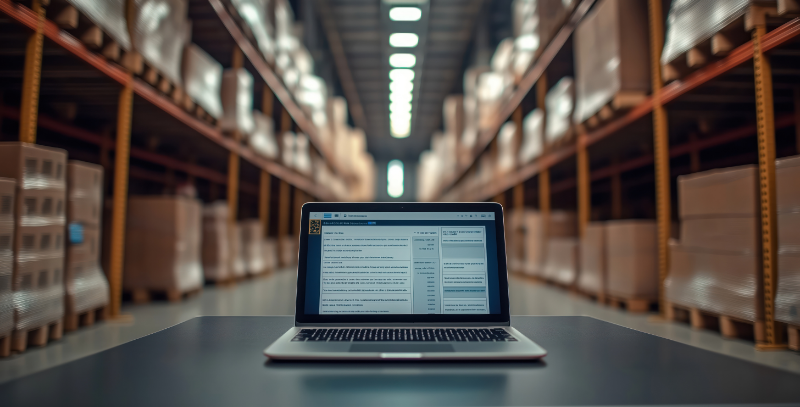
How Inventory Management Software Works
The basic workflow follows your stock at every stage. When products arrive at your warehouse or store, barcode labels are printed and applied. Items are scanned into the system, which records quantities and locations. When a sale is made — whether at a POS terminal, through an e-commerce platform, or via a wholesale order — the system automatically updates stock levels without manual intervention.
This is what separates inventory software from spreadsheets. Spreadsheets require someone to update them. Inventory software updates itself.
Modern systems connect to your other business tools:
- POS systems — stock adjusts at the point of checkout
- E-commerce platforms — prevents overselling across Shopify, Lazada, or other channels
- Accounting software — tracks inventory value, cost of goods sold, and financial records automatically
- Barcode scanners and label printers — physical hardware that feeds data directly into the system
The more tightly these tools are connected, the fewer manual reconciliation tasks your team needs to handle. A sale recorded at your POS can instantly update stock levels and financial records in one action — no double-entry, no end-of-day reconciliation.

Key Features to Evaluate Before You Buy
Not every SME needs the same feature set. A food and beverage operator has different requirements from a wholesale distributor. That said, most small businesses in Singapore should look for these core capabilities:
Real-time inventory tracking Stock levels should update the moment a sale, return, or transfer occurs. Delays create discrepancies that compound quickly across a busy trading day.
Barcode and mobile scanning Barcode inventory management reduces manual errors, speeds up stock counts, and makes receiving goods faster. For SMEs managing hundreds or thousands of SKUs, this is a non-negotiable. Look for scanner compatibility and built-in barcode label printing.
Multi-location support If you run more than one store, warehouse, or fulfilment point, the system needs to track inventory at each location separately while giving you a consolidated view across all of them.
Automated reorder alerts Rather than manually checking stock levels, the system flags when a product falls below a minimum threshold. Paired with historical sales data, this reduces both stockouts and over-ordering.
Integration with your existing tools An inventory system that does not connect to your accounting software or POS creates more work, not less. Check which integrations are native (built-in) versus third-party, and whether those third-party connections carry additional costs or introduce sync delays.
Reporting and analytics Which products sell fastest? Which are slow-moving? Inventory reports surface these patterns so purchasing decisions are based on data rather than gut feel.
Top Inventory Management Systems for Singapore SMEs: Compared
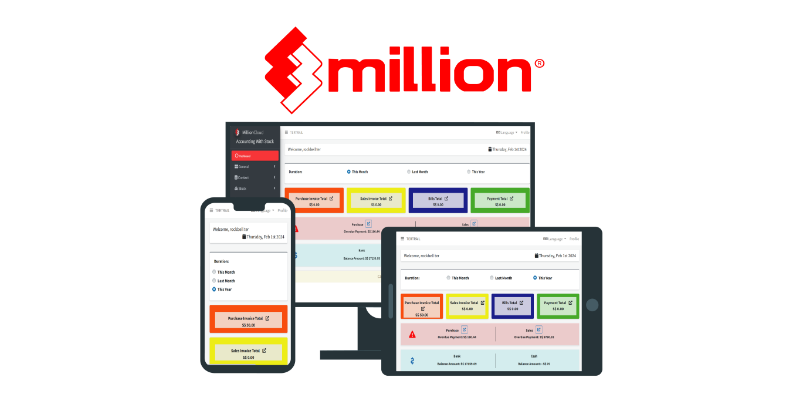
1. Rockbell — Million Accounting + Inventory (Best Overall for Singapore SMEs)
Rockbell is a Singapore-based software reseller and implementation specialist with a strong local presence in the SME market. Their flagship product, Million Accounting, includes an integrated inventory management module that covers inventory tracking, purchase order management, and multi-location stock control within a single desktop platform.
What makes Rockbell’s offering particularly relevant for Singapore SMEs is the combination of local implementation support and a product built for the way local businesses actually operate. Rather than purchasing a global SaaS tool and figuring out the local context yourself, Rockbell provides setup, staff training, data migration from legacy systems, and ongoing support — all under one roof.
Core capabilities:
- Inventory tracking and management integrated within the accounting module
- Purchase order management and stock movement controls
- Multi-location inventory visibility
- Barcode scanner compatibility for faster stock control
- POS integration via Million POS, Popcorn POS, AutoCount POS, and AutoCount OneSales POS Cloud
- Accounting integration native to the platform (Million Accounting handles both simultaneously)
For SMEs that also need payroll or HR, Rockbell’s Million Payroll and HR Suite sit on the same ecosystem, reducing the number of vendors and integrations you need to manage.
Rockbell also assists with PSG (Productivity Solutions Grant) and EDG grant applications — relevant for Singapore SMEs looking to offset software implementation costs through government support.
Best for: Singapore retailers, F&B operators, wholesale distributors, and SMEs that want local support, integrated accounting, and a proven local track record.
Limitations: Million runs on a desktop-perpetual-licence model. Businesses that prioritise cloud-first access may prefer AutoCount Cloud, which Rockbell also implements. Cloud POS is available through AutoCount OneSales POS Cloud.
For a deeper look at how inventory systems compare for Singapore businesses, Rockbell’s own guide — Top 11 Most Reliable Inventory Management System Software in Singapore — covers the local market in detail.
2. Zoho Inventory (Best Budget Option for E-Commerce SMEs)
Zoho Inventory is a cloud-based system suited to small e-commerce and retail businesses that need affordable multi-channel inventory management. It rates 4.5 stars on Capterra Singapore across 416 reviews.
Strengths: Free tier available (50 orders/month, one warehouse), paid plans from around USD $39/month, barcode scanning, batch and serial number tracking, integrations with Shopify and other marketplaces, and good connectivity with the broader Zoho app ecosystem.
Limitations: Not a POS system itself — requires a third-party POS integration for in-store retail. Lower-tier plans impose order and warehouse limits that growing businesses hit quickly. Reporting depth is basic compared to mid-market platforms.
Best for: Small e-commerce businesses and early-stage retailers looking for low-cost cloud inventory software.
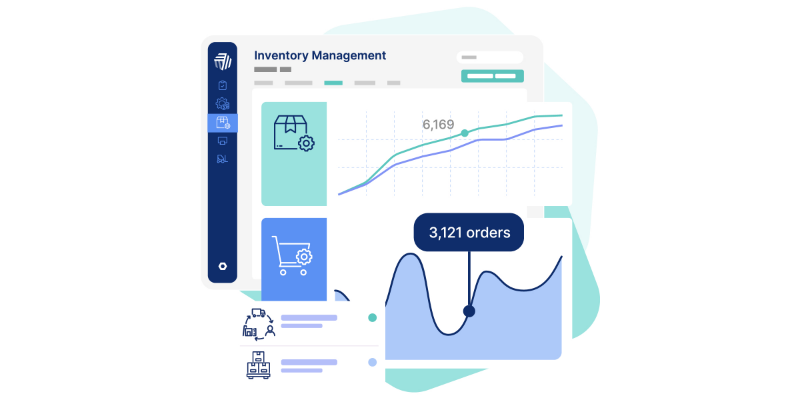
3. Cin7 Core (Best for Multi-Channel and Omnichannel Retailers)
Cin7 is designed for retailers, wholesalers, and distributors selling across multiple channels simultaneously. It handles multi-channel order and inventory management with automated workflows and integrations across sales channels.
Strengths: Strong multi-channel synchronisation, real-time warehouse and stock tracking, support for light manufacturing and assembly. G2 users note it helps teams stop managing spreadsheets and focus on sales instead.
Limitations: Complex onboarding, pricing starts at USD $349/month and climbs quickly with additional modules. The interface takes time to master. For a small business with straightforward inventory needs, it may be more system than you need.
Best for: Growing retailers and wholesalers with complex multi-channel requirements.
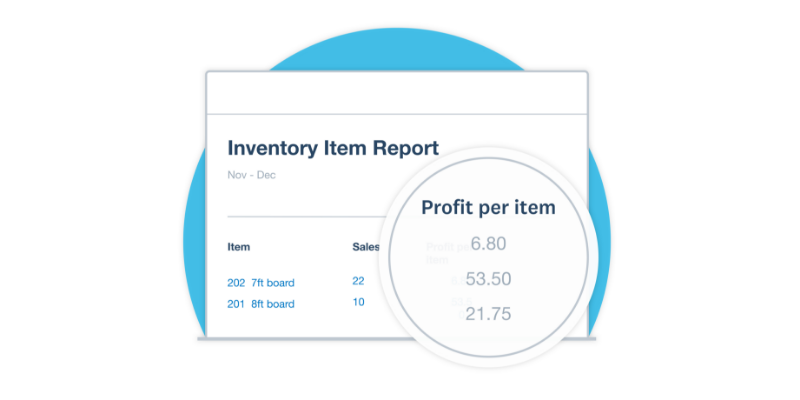
4. Xero with Inventory Tracking (Best for Accounting-First Small Businesses)
Xero is primarily an accounting platform, but it includes simple inventory management tools that work well for businesses whose stock management needs are straightforward. It rates 4.4 stars on Capterra Singapore across over 3,200 reviews.
Strengths: Real-time stock quantity and value tracking, identification of best-selling product lines, bulk import via CSV, and tight integration with accounting. Easy to use for non-technical owners.
Limitations: Xero’s inventory features are basic by design. It does not support multi-location inventory, advanced warehouse management, or complex reorder automation. For businesses with serious inventory operations, it will not be sufficient as a standalone tool.
Best for: Service-product hybrid businesses or very small retailers where accounting integration matters more than inventory depth. Notably, Rockbell is also a Xero reseller and implementation partner in Singapore.
5. Odoo Inventory (Best for Businesses Wanting Modular ERP)
Odoo is a modular ERP platform where the inventory module can be deployed on its own or combined with accounting, CRM, and manufacturing modules. The Community edition is free (self-hosted); the Enterprise edition costs around USD $24 per app per user per month.
Strengths: Multi-location support, barcode scanning, automated restocking rules, customisable workflows. Odoo users describe it as “a set of Lego blocks for ERP — you add only what you need.”
Limitations: Customisation requires technical expertise. Complex setups need developer support. Multiple modules are required for full functionality, and ongoing maintenance is a real consideration for small teams without IT resources.
Best for: Businesses with technical capacity that want a modular, customisable platform they can build out over time.
Quick Comparison Table
| System | Deployment | Starting Cost | POS Integration | Best For
|
|---|---|---|---|---|
| Rockbell (Million) | Desktop + Cloud options | Contact Rockbell | Native (Million POS, AutoCount POS) | Singapore SMEs wanting local support |
| Zoho Inventory | Cloud | Free / ~USD $39/mo | Third-party | Budget e-commerce SMEs |
| Cin7 Core | Cloud | ~USD $349/mo | Third-party | Multi-channel retailers |
| Xero | Cloud | ~USD $15/mo | Third-party | Accounting-first small businesses |
| Odoo | Cloud / Self-hosted | Free / ~USD $24/user | Third-party | Tech-capable businesses wanting modularity |
How Much Does Inventory Management Software Cost in Singapore?
Costs vary considerably depending on deployment type and feature depth. Based on local market data:
- Cloud-based inventory software: SGD $30 to $200 per month for SME-tier solutions
- Enterprise inventory systems: SGD $500+ per month
- Hardware (barcode scanners, label printers): Additional one-time investment required
Desktop perpetual-licence products like Million involve an upfront licence fee rather than a monthly subscription, which can work out more cost-effective over a multi-year period for businesses that do not require frequent feature updates.
Singapore SMEs may also qualify for the PSG (Productivity Solutions Grant), which subsidises the cost of approved software solutions. Rockbell offers grant facilitation as part of their professional services, helping businesses identify eligibility and handle the submission process.

How to Choose the Right System for Your Business
The right system depends on four variables: the size of your stock, how many locations you operate, which other tools you need it to connect with, and whether you want desktop or cloud access.
A practical framework by business type:
- Single-location retailer or F&B operator in Singapore: Look at Rockbell’s Million POS and inventory module combination, or AutoCount OneSales POS Cloud for a cloud-native option. Local setup and support matter here.
- Small e-commerce seller: Zoho Inventory’s free tier is a legitimate starting point. Upgrade as order volumes grow.
- Multi-channel retailer with complex stock: Cin7 Core handles the complexity, but budget for onboarding time and a higher monthly cost.
- Business already using Xero for accounting: Xero’s built-in inventory tools may be enough if stock management is simple. Rockbell implements Xero in Singapore.
- Business that wants maximum customisation and has IT resource: Odoo’s modular approach gives you control, but factor in developer costs.
One question worth asking before you decide: does the system have native POS and accounting integration, or does it require third-party connectors? Third-party integrations can introduce sync delays, break after software updates, and add cost. For most Singapore SMEs, a system where inventory, POS, and accounting talk to each other natively reduces operational friction significantly.
Conclusion
Inventory management software is one of the more consequential software decisions a Singapore SME makes. Get it right and stock control becomes a background process rather than a daily fire drill. Get it wrong and you are managing the limitations of your tools instead of running your business.
For Singapore SMEs that want local support, integrated accounting and POS, and a vendor that understands the local market, Rockbell’s Million Accounting and inventory module is the natural starting point. Their professional services — covering setup, training, data migration, and PSG grant facilitation — mean you are not implementing the system alone.
If your needs are primarily e-commerce at low volume, Zoho Inventory’s free tier lets you start without upfront cost. If your operation has grown to multi-channel complexity, Cin7 is worth evaluating despite the higher price point.
The next step is straightforward: map your current stock management process, identify where the errors or gaps are, and match those gaps to the features in this guide. Then contact Rockbell for a demonstration of how Million Accounting and inventory management works in practice for Singapore businesses at your scale.
Frequently Asked Questions (FAQs)
What is inventory management software and what does it do?
Inventory management software is a digital system that tracks stock levels, records product movement, and updates inventory in real time. It answers three questions for any product-based business: what do I have in stock, where is it located, and when do I need to reorder? It replaces manual tracking methods like spreadsheets with automated updates triggered by sales, returns, and stock transfers.
How much does inventory management software cost in Singapore?
Cloud-based inventory software for SMEs typically costs between SGD $30 and $200 per month. Enterprise systems run SGD $500 or more per month. Desktop perpetual-licence products involve an upfront fee rather than a monthly subscription. Hardware like barcode scanners and label printers carries additional one-time costs. Singapore SMEs may offset some costs through the PSG (Productivity Solutions Grant).
What features should a small business in Singapore look for in an inventory system?
The core features to prioritise are real-time inventory tracking, barcode scanning compatibility, automated reorder alerts, multi-location support if you operate more than one site, and native integration with your POS system and accounting software. Systems where these tools connect natively reduce the manual reconciliation work that third-party integrations can create.
Is there a free inventory management system suitable for small businesses?
Zoho Inventory offers a free tier that covers up to 50 orders per month with one warehouse and one user — a viable starting point for very small e-commerce operations. Odoo’s Community edition is also free but requires self-hosting and technical setup. For most Singapore SMEs with active trading operations, paid plans provide the reliability and support that free tiers typically do not.
Does Rockbell offer inventory management software for Singapore SMEs?
Yes. Rockbell provides inventory management through their Million Accounting and Inventory module, which combines stock tracking with accounting in a single platform. They also offer multiple POS systems — including Million POS, AutoCount POS, and AutoCount OneSales POS Cloud — that integrate with inventory management. Their professional services include setup, staff training, data migration, and PSG grant facilitation for eligible Singapore businesses.